FullHouse runs automated webinars and multi-day challenges. You record once and set up the experience once. FullHouse then handles registration, reminder emails, a room that feels live, offers, polls, chat, AI answers, replays, follow-up emails and reporting, on whatever schedule you choose.
Activate your account
Use the link in your welcome email to set your password and sign in.
Launch your first webinar
Follow the quickstart from a video file to a working registration link.
Understand the pieces
Read how FullHouse fits together before you plan anything bigger.
Find your way around
Take the app tour to learn where each job belongs.
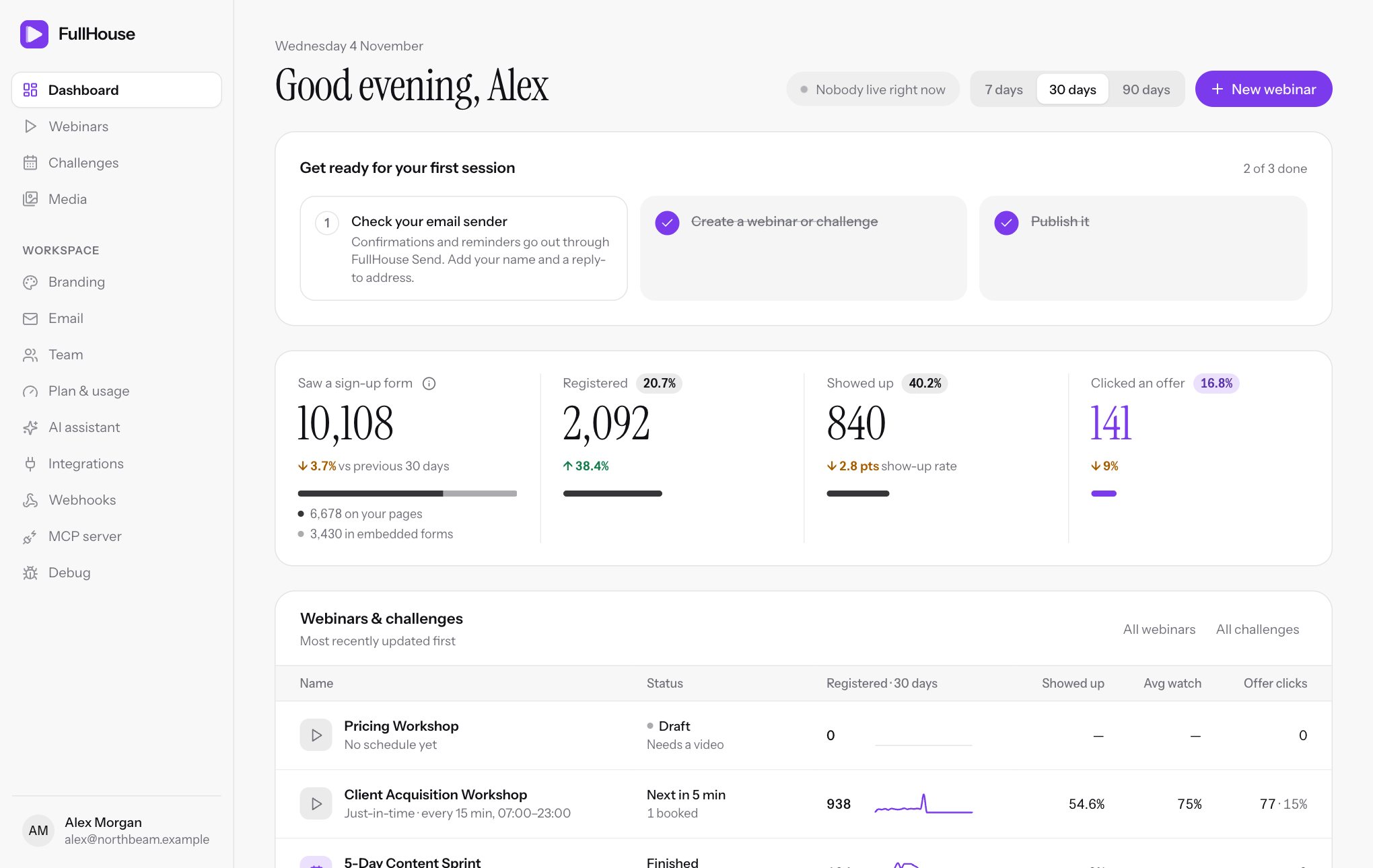
Read your numbers
See what each figure on the dashboard means.
Check before launch
Run through the launch checklist before you send traffic.
Pick your route
| If you want to | Start with |
|---|---|
| Publish one evergreen webinar | Quickstart |
| Run a live-feeling event on set dates | Schedule: specific dates |
| Let people start watching within minutes | Schedule: just-in-time and instant |
| Run a 3, 5 or 7-day event with one sign-up | Challenges |
| Sell during the webinar | Offers |
| Put sign-up on your own site or funnel | Embed widget |
| Send email from your own domain, or lift the daily limit | |
| Give someone else access to your workspace | Team |
| Send registrants to your CRM | Connections |
| Have an AI assistant build and run things for you | AI agents (MCP) |
| See what your attendees see | What attendees see |
| Fix something that isn’t working | Troubleshooting |